

What Happened: Modders Take Extreme Action to Bypass Faulty Power Connectors
The RTX 5090 has become infamous for a critical design flaw that keeps users on edge: the 16-pin power connector melts and fails far too often, sometimes destroying thousands of dollars of hardware. Frustrated with Nvidia’s lack of action, a Brazilian modder decided to bypass the problem entirely by soldering power cables directly to the GPU’s circuit board. The test involved a specialized Galax HOF variant capable of drawing up to 600W of power under extreme conditions, with no factory heatsink or cooling fans, only a custom liquid chiller keeping the core from thermal shutdown.
The soldering experiment worked, and the card booted and ran benchmarks successfully without using the problematic 16-pin connector at all. However, the modder emphasized this was meant as a sarcastic commentary on Nvidia’s failure to address the connector issue, not a genuine solution for consumers. The fact that hastily soldered wires proved more reliable than the factory-designed connector only highlights how serious the flaw truly is.
The Connector Crisis: Why RTX 5090 and RTX 4090 Owners Are Struggling
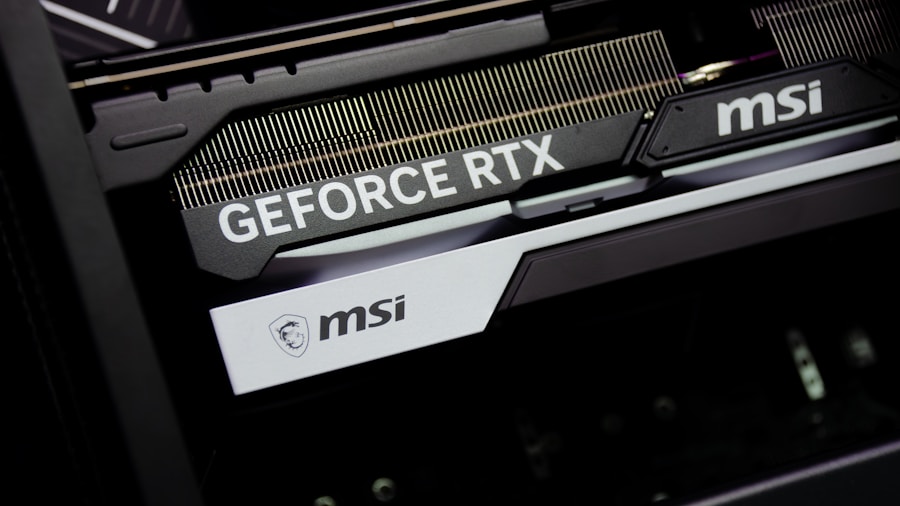
Since Nvidia launched the RTX 5090 and its predecessor the RTX 4090, the 16-pin power connector has been a constant source of complaints and reported failures across enthusiast forums and social media. This single component appears to be the weak link in an otherwise powerful architecture, and users report that under normal usage conditions, the connector can overheat, degrade, and eventually melt. For a GPU that costs around $5,000, this kind of reliability issue is completely unacceptable.
Nvidia’s response to widespread connector failures has been minimal, leaving owners to fend for themselves. Third-party solutions like monitoring tools and connector protectors have emerged to help keep these expensive cards safe, but the real fix should come from the manufacturer, not aftermarket workarounds.
What This Means for GPU Shoppers
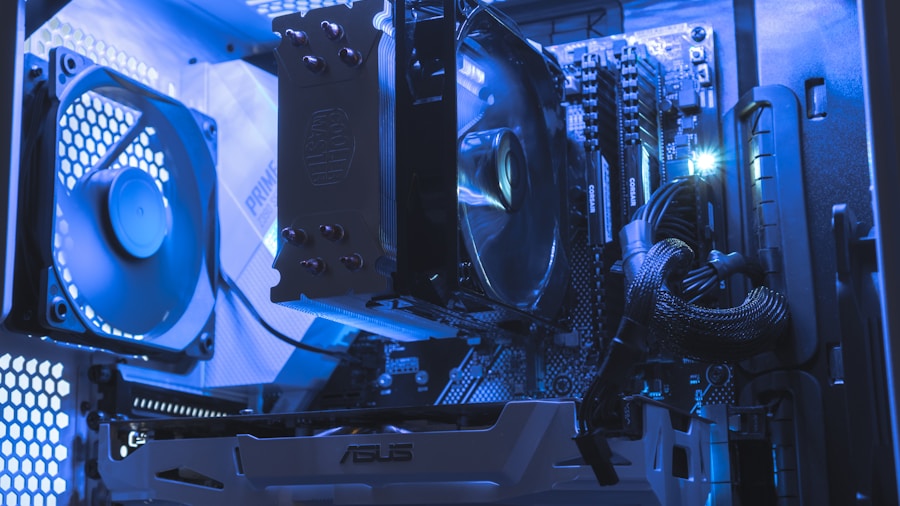
If you are considering buying an RTX 5090 or already own one, this story carries several important lessons. First, understand that this GPU sits at the absolute top end of the market, commanding premium prices that come with premium risk when fundamental design issues exist. The 16-pin connector problem is not theoretical; it is documented, widespread, and potentially catastrophic for your investment.
Before purchasing, research whether the specific model you’re eyeing has been affected by reported connector failures. Some board partners may have implemented better connector designs or protective measures than others. Second, if you do buy, consider purchasing a connector monitoring device or WireView adapter right away. These tools cost significantly less than replacing a failed GPU and can alert you to dangerous voltage or current spikes before they cause damage.
The broader message here is that even cutting-edge premium hardware can ship with serious flaws, and Nvidia’s reluctance to recall or redesign the connector leaves owners exposed. When power management becomes a critical concern, it signals that something is fundamentally wrong with the design approach.
Should You Attempt a DIY Fix? Absolutely Not
While the modder’s experiment was technically impressive and proved a point, it is important to stress that soldering wires directly to a GPU’s PCB is extraordinarily dangerous and voids your warranty instantly. This approach requires specialized equipment, extreme precision, and knowledge most consumers don’t possess. One small mistake can cause short circuits, fires, or permanent damage to your system and potentially your home.
The real solution is pressure on Nvidia to redesign the connector, offer recalls, or provide transparent guidance on which cards are safest to use. Until then, buyers should approach the RTX 5090 with caution, do thorough research on your specific model variant, and invest in proper protection tools if you decide to purchase.
For those shopping for a flagship GPU, this situation underscores why reading real-world reviews and user reports matters just as much as looking at benchmark scores. A fast GPU that destroys itself or your hardware is no bargain at any price. Look for alternative solutions and emerging competition that prioritize reliability alongside performance.






Write Your Review
No reviews yet. Be the first to share your experience!