

A Game-Changing Keyboard Feature Arrives in iOS 27
Apple’s latest operating system update introduced a feature that sounds simple on paper but delivers real time savings for millions of daily iPhone users: a dedicated paste shortcut built directly into the keyboard. This addition eliminates the friction that has plagued mobile copying and pasting since the beginning of touchscreen phones. What matters to shoppers is that this feature works automatically once you update to iOS 27, requiring no setup or configuration on your part.
How the New Keyboard Paste Shortcut Works

For years, copying and pasting on iPhones meant navigating a cumbersome process. You would copy a link, image, or block of text, switch to a different app, tap into a text field, wait for a context menu to appear, then finally press paste. iOS 27 eliminates those intermediary steps. Now, when you copy something to your clipboard and open a new text box in another app, a smart suggestion appears automatically in the bar directly above your keyboard.
The feature includes a helpful preview function as well. When you look at the suggestion bar, you see a small thumbnail of an image or a text snippet showing exactly what you are about to paste. This preview eliminates the guesswork and lets you confirm the right content before sending. For those managing multiple text inputs throughout the day, this clarity makes a meaningful difference.
Why This Matters for Your Daily Workflow
Consider how often you paste information on your phone. Sharing a tracking number with a customer, saving a web link to a note, forwarding a photo to a friend: these tasks occur dozens of times daily for many users. Each one previously required that frustrating pause while waiting for the menu to load. The new keyboard shortcut removes that delay entirely, making the whole process feel seamless and natural.
If you work with text-heavy tasks or frequently share content, this upgrade affects you directly. When looking at keyboard hardware options, understanding how your operating system handles basic functions like pasting helps you choose tools that complement your workflow. The keyboard bar now does more than accept input; it actively suggests and facilitates your next action.
Compatibility and Limitations to Know
One important limitation exists: this clipboard integration works exclusively between iPhones. If you copy text or media and attempt to paste it to an Android user through a cross-platform app, the quick-paste suggestion bar will not appear. This distinction matters for households or teams mixing device ecosystems. The feature is enabled automatically across all iOS 27 devices, so as long as you have updated your iPhone, the paste bar activates the moment you copy an item and tap into any compatible text box.
Buyers considering their next smartphone should factor in these ecosystem advantages. While you explore portable computing options, the synergy between your device and its operating system creates the actual user experience you live with every day.
What This Means for Your Buying Decisions
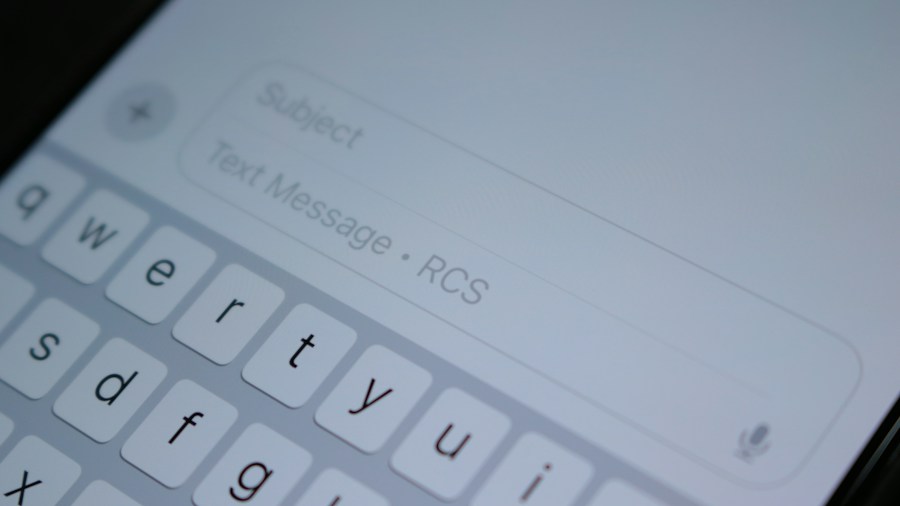
When you evaluate phones and tablets, operating system features like this keyboard paste shortcut reveal what companies prioritize. Apple’s decision to embed this function into the keyboard bar reflects an understanding that small friction points compound across thousands of daily interactions. Other manufacturers eventually adopt similar approaches, so users benefit from competitive pressure to improve these mundane but essential tasks.
For those interested in optimizing their entire input setup, understanding how your phone handles pasting connects to larger considerations about choosing keyboards and input devices that align with your device ecosystem. The keyboard is your primary interface with content creation, whether you are typing emails, responding to messages, or entering data into forms.
The Bottom Line for Shoppers
This iOS 27 keyboard feature represents the kind of incremental improvement that justifies upgrading your device. While major updates grab headlines, the subtle refinements to daily tasks often matter more to your actual productivity. Once you experience pasting without the menu delay, returning to the old method feels noticeably slower. If you own an iPhone and have not yet updated to iOS 27, activating this feature takes just one software update in your settings. No additional purchases or setup steps required.









Write Your Review
No reviews yet. Be the first to share your experience!