

A recent debate among PC hardware reviewers has revealed a surprising divide in how gamers actually use the side buttons on their mice. While manufacturers typically assign these buttons to forward and back navigation for web browsing, a significant portion of the gaming community has repurposed them entirely, sparking discussion about ergonomics, efficiency, and personal preference.
The Great Mouse Button Divide
The discussion began when a review team encountered Razer’s 12-button MMO gaming mouse and questioned what users actually do with the side buttons found on standard gaming mice. The default configuration on most gaming mice assigns these buttons to forward and back web navigation, a convention that has remained largely unchanged for years. However, a poll of thousands of gamers revealed that this default setting may not reflect how people actually use their equipment.
The results were eye-opening: roughly 67 percent of respondents confirmed they use side buttons for forward and back navigation, but nearly 10 percent have remapped them entirely to copy and paste functions using keyboard shortcuts. The remaining respondents, over 23 percent, have assigned these buttons to game-specific macros or other custom functions tailored to their gaming needs.
Why Copy and Paste Makes Sense
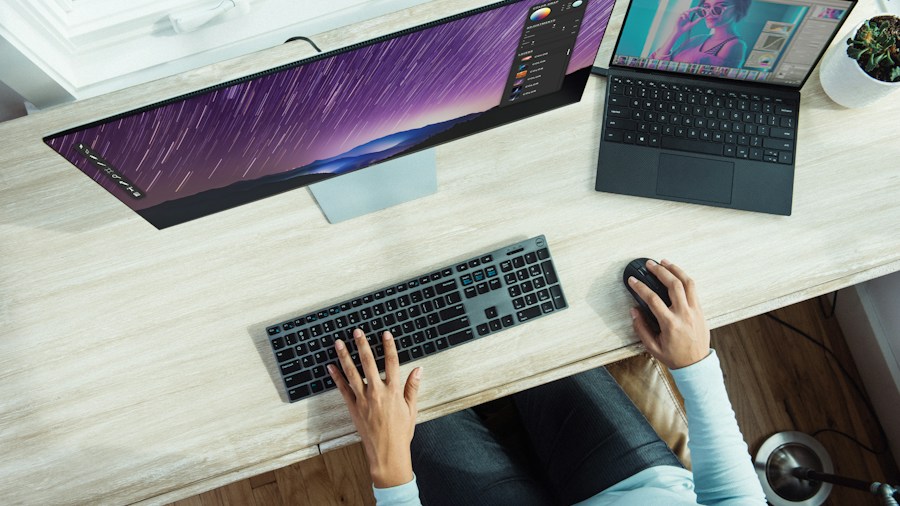
Advocates for remapping side buttons to copy and paste argue that this setup offers genuine ergonomic advantages for daily computing tasks. Rather than reaching across the keyboard to use Ctrl+C and Ctrl+V every time you need to duplicate or paste text, having these functions available directly on your mouse eliminates repetitive hand movement. For anyone who spends significant time copying information between windows, this streamlined approach can reduce strain and increase productivity.
The forward and back button functionality, by contrast, already works through mouse movement alone in most browsers. Clicking backward and forward on web pages is a convenience feature, but arguably less essential than the ability to quickly copy and paste content while keeping your hands in a comfortable position. For content creators, researchers, and anyone regularly working with multiple documents, this distinction becomes particularly meaningful.
Customization and Gaming Considerations
The debate takes on additional complexity in gaming contexts. Many competitive gamers have discovered that remapping side buttons to frequently used in-game actions delivers tangible performance benefits. In first-person shooters, these buttons often become dedicated functions like reload, ability activation, or weapon switching, allowing players to maintain precise aim without breaking their grip or reaching for the keyboard.
This flexibility represents one of the key advantages of modern gaming mice. Unlike basic office mice, premium gaming mice allow complete customization of button assignments through dedicated software, enabling users to optimize their setup for their specific workflow and gaming preferences. What works perfectly for one gamer might be entirely wrong for another, which explains why the survey results showed such substantial variation.
What This Means for Your Purchase
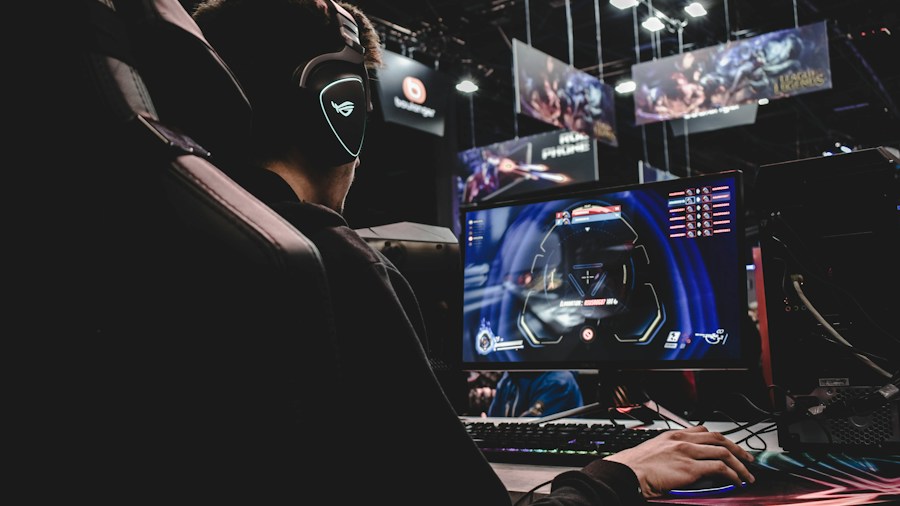
If you’re shopping for a new gaming mouse, understanding how you actually use side buttons should influence your decision. Before automatically accepting the default configuration, consider your typical day. Do you spend more time browsing the web or playing competitive games? Are you a content creator who constantly moves information between applications? Your answers determine whether you should stick with standard settings or plan to customize your mouse immediately after purchase.
The good news is that nearly all gaming mice above the budget tier offer programmable buttons and accompanying software for customization. This means your decision doesn’t need to rely solely on default settings. The computer mouse has evolved significantly since its invention, with modern versions providing unprecedented control over functionality.
When evaluating mouse options, pay attention to button placement and ergonomics as well. If your hand size and grip style make the side buttons uncomfortable to reach, even customization won’t help. Conversely, if you have large hands and can access them easily, remapping becomes a more practical option regardless of your use case.
Finding Your Setup
The polling results ultimately suggest there’s no universally correct answer. Whether you embrace the default forward and back configuration, switch to copy and paste, or create completely custom macros depends entirely on your personal needs and gaming style. High-end gaming mice with abundant programmable buttons accommodate all these preferences, making it possible to optimize your setup precisely as you want it.
The takeaway for shoppers is clear: don’t assume default configurations are optimal for your needs. Spend a few minutes thinking about how you actually use your mouse during both gaming and everyday computing. Then, choose a mouse that supports your preferred button mapping. With thousands of gaming mice available across all price points, you’ll find options that match your workflow, whether that involves web navigation, copy and paste efficiency, or competitive gaming performance.


Write Your Review
No reviews yet. Be the first to share your experience!