

A quality gaming headset can transform your experience, whether you’re competing in esports, streaming gameplay, or simply enjoying story-driven adventures. However, with so many options available, selecting the right one requires understanding your specific needs, budget, and how you actually play. This guide walks you through seven practical strategies to find a gaming headset that delivers on performance, comfort, and reliability.
1. Match the Headset to Your Primary Platform
The gaming landscape spans multiple devices: PC, PlayStation, Xbox, Nintendo Switch, and mobile phones. Before committing to a gaming headset, identify which platform you use most. Some models come with official licensing or optimization for specific consoles, ensuring seamless connectivity and tuned audio profiles. If you play exclusively on Xbox, look for headsets carrying the official Xbox certification mark, which guarantees testing and compatibility. PC gamers have the broadest selection, while cross-platform players benefit from headsets offering multiple connection methods like 2.4GHz wireless, Bluetooth, and special pairing technologies. Narrowing down your platform preference eliminates incompatible options and helps you focus on models actually engineered for your ecosystem.
2. Evaluate Connectivity Options for Your Lifestyle
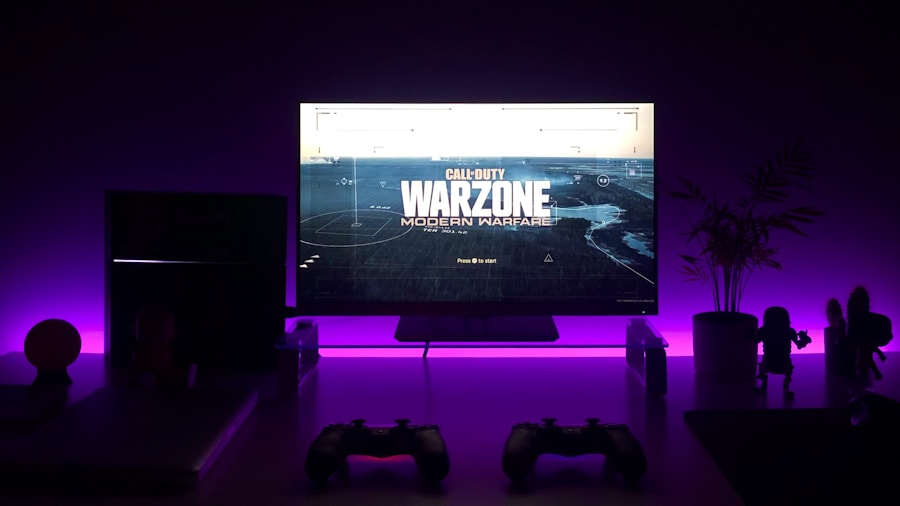
Not all wireless headsets connect the same way. Standard 2.4GHz connections work beautifully for gaming on stationary devices like consoles and desktop PCs, but mobility matters if you transition between devices throughout your day. Bluetooth support opens possibilities for phone calls, Discord conversations, and listening to music on your laptop during breaks. Some premium gaming headsets can maintain simultaneous 2.4GHz and Bluetooth connections, letting you stay locked into game audio while fielding a call without switching modes. Consider how you actually game: Do you sit in one spot for extended sessions, or do you move between your PC, console, and handheld devices? Your connectivity needs should match your real-world behavior.
3. Prioritize Battery Life Based on Your Usage Patterns
Battery anxiety is a legitimate concern with wireless gaming headsets. Manufacturers typically rate battery life with RGB lighting disabled, and real-world numbers vary based on volume and visual effects. Light users who game a few hours weekly might not worry about charging frequently, but serious gamers and content creators who stream or play for hours daily need reliable, extended battery performance. Some models deliver over 200 hours per charge, meaning you could go weeks between charging. Others offer 100 to 120 hours, requiring charging every 7 to 10 days. Assess your daily gaming volume and choose accordingly, because frustration from constant charging undermines even the best hardware.
4. Don’t Overlook Build Quality and Comfort
Comfort determines whether you’ll actually want to wear your headset for marathon sessions. Memory foam ear pads and padded headbands reduce fatigue and improve the fit across different head sizes. Premium materials like aluminum frames and steel headbands resist flex and last longer than all-plastic designs. Ear cup rotation and adjustability accommodate various preferences, and detachable boom microphones let you switch between gaming and casual listening without removing the entire headset. Check online reviews specifically mentioning comfort and durability, as these factors matter far more than flashy marketing claims.
5. Consider Audio Tuning Specific to Gaming
Consumer audio is rarely one-size-fits-all. Gaming headsets should emphasize directional audio cues, footsteps, dialogue clarity, and immersive soundscapes rather than bass-heavy consumer headphone tuning. Look for models featuring 50mm to 53mm drivers tuned specifically for competitive and narrative gaming. Some headsets include spatial audio processing or partnerships with software platforms that enhance positional awareness. When comparing models, read reviews describing the sound profile in gaming contexts, not just music listening, because a headset optimized for Spotify may disappoint during competitive shooters.
6. Evaluate Microphone Quality and Noise Rejection
Your teammates depend on clear communication. A detachable boom microphone with noise rejection helps isolate your voice and reduces background distractions. Mute indicators via LED lights prevent embarrassing moments when you forget whether your mic is live. Test a headset’s microphone if possible, or trust reviews specifically addressing voice clarity and how well it handles room noise. Some models include on-headset controls for game and chat audio balance, eliminating the need to pause and dig through console menus during competitive moments.
7. Check Feature Customization and Control Options
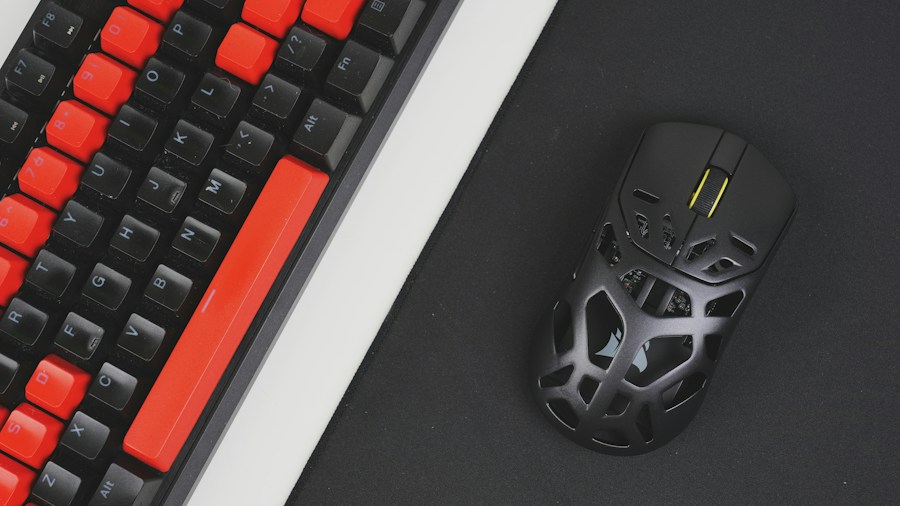
Premium gaming headsets often include customizable RGB lighting, reprogrammable control buttons, and software for fine-tuning audio profiles. Magnetic ear cup plates that swap without tools let you personalize appearance, while on-headset controls for volume, mute, and device switching enhance convenience. Base stations with dedicated controls bring settings within arm’s reach. For casual gamers, these extras are nice-to-haves, but streamers and content creators benefit significantly from quick-access customization. Review what features matter for your workflow before paying extra for options you’ll never use. When shopping for a gaming headset with advanced RGB and customization, prioritize features that align with your specific needs rather than checklist items.
Finding Your Perfect Gaming Headset
Selecting a gaming headset boils down to honesty about how you actually play and what features meaningfully enhance your experience. The best gaming headsets balance platform compatibility, battery performance, and comfort without forcing compromises. Test options if possible, read user reviews focused on durability and real-world usage, and avoid overpaying for features that don’t serve your specific setup. A thoughtfully chosen gaming headset becomes invisible during gameplay, enhancing immersion without distraction, and that’s the real mark of quality.








Write Your Review
No reviews yet. Be the first to share your experience!