

RGB lighting has become a defining feature of modern gaming PCs, but consumer preferences on how much colorful illumination is too much remain deeply divided. As gamers invest in high-performance systems, understanding the role of aesthetic customization versus functionality is crucial for making informed purchasing decisions.
The RGB Question Every Gamer Faces
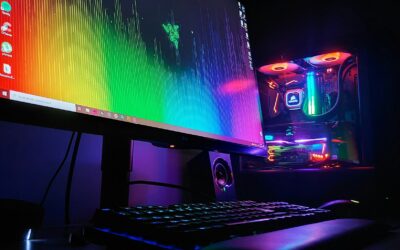
Walk into any gaming space today and you’ll encounter an abundance of glowing LEDs in nearly every system. The trend has become so prevalent that many manufacturers now include RGB lighting as a standard feature on graphics cards, memory modules, and case fans. However, the degree to which buyers embrace this visual flair varies wildly. Some enthusiasts love the full spectrum rainbow effect that transforms their setup into a vibrant light show, while others prefer subtle, single-color ambient lighting that enhances the workspace without becoming distracting. Many shoppers fall somewhere in the middle, enjoying modest illumination that adds personality without overwhelming the senses.
Finding Your Personal Style
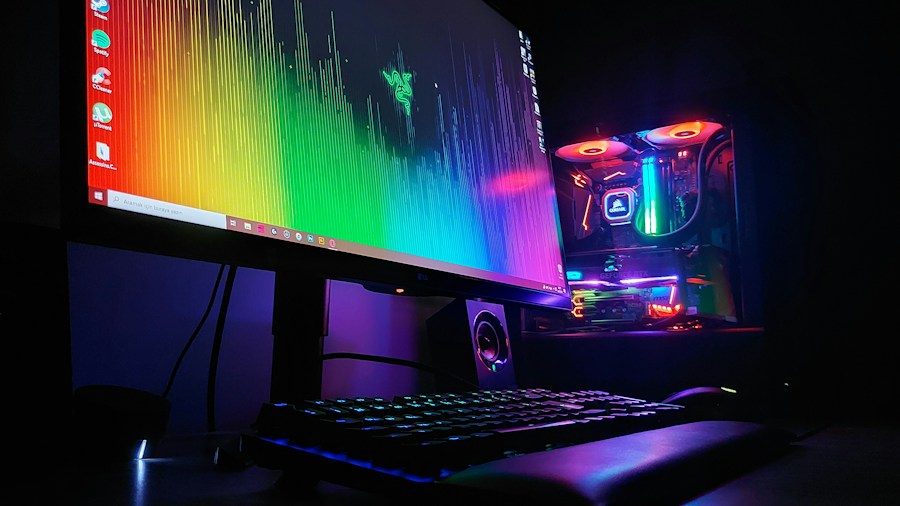
The beauty of modern gaming PC design is that most components now offer granular control over lighting through software. Rather than being stuck with factory settings that often default to eye-catching animated patterns, buyers can customize their systems to match their preferences. Some choose to disable RGB entirely for a sleek, professional appearance. Others layer multiple lighting zones across their PC to create a cohesive aesthetic that complements their room’s décor. Before purchasing a gaming PC, consider visiting a retail location to see different lighting styles in person, or checking online reviews that showcase how various models look in different lighting conditions. When you’re comparing prebuilt gaming PC options, don’t overlook the lighting customization software each manufacturer provides, as this directly impacts your ability to personalize the final result.
RGB as a Purchasing Factor
For many shoppers, RGB lighting has shifted from a luxury feature to a standard expectation. Gaming PC manufacturers have responded by integrating lighting control into their ecosystem, allowing buyers to sync colors across multiple components for a unified look. However, this standardization means you’ll often need to budget for RGB in your overall system cost, even if you plan to minimize or disable it. When evaluating gaming PCs in your price range, it’s worth considering whether the inclusion of premium RGB components justifies the expense, or whether you’d prefer to allocate that budget toward raw performance gains. Some high-end builds showcase innovative custom designs and lighting implementations that demonstrate how thoughtful color integration can enhance a system’s appeal without relying on chaotic effects.
Balancing Aesthetics with Distraction
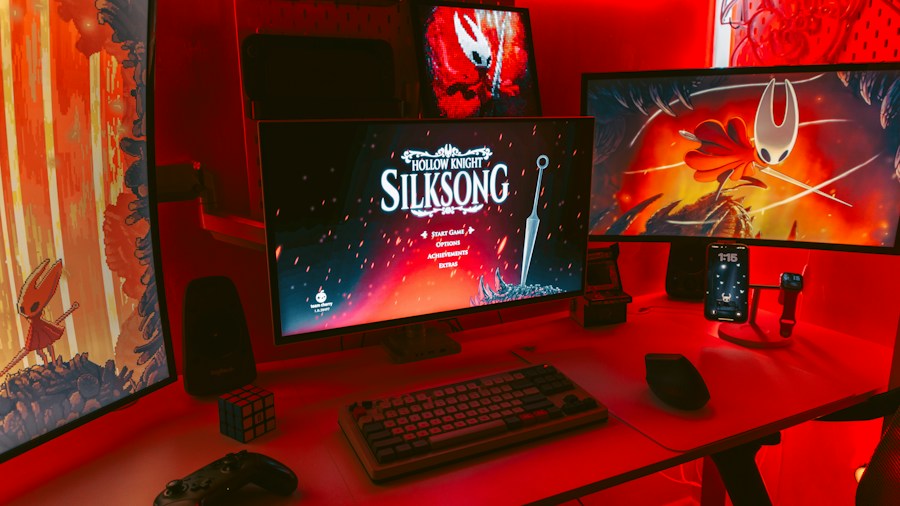
One practical consideration that often gets overlooked is the potential for RGB lighting to become visually fatiguing during extended gaming sessions. Highly dynamic, animated lighting patterns can create unnecessary visual distraction in your peripheral vision while you’re trying to focus on gameplay. Software controls on most gaming PCs allow you to lock in steady colors or turn effects off entirely, but this requires taking the time to explore the manufacturer’s lighting application. Many gamers discover that they prefer consistent, subtle illumination that’s barely noticeable during intense moments but provides pleasant ambient lighting during menu navigation or casual browsing. Others find that a gentle glow from components like memory modules creates a comforting backdrop without overwhelming the space.
What This Means for Your Next Purchase
As you shop for a gaming PC, don’t let RGB lighting be the deciding factor, but do verify that whatever system you choose offers software controls to adjust it to your preferences. Review the manufacturer’s lighting management app before committing to a purchase, as some applications are more intuitive and feature-rich than others. Consider your gaming environment: bright, well-lit rooms may make RGB lighting less impactful, while darker setups might benefit from the ambient illumination. Finally, remember that many competitive gaming PC deals include robust RGB systems, so you’re not sacrificing customization when you pursue budget-friendly options. The growing diversity in lighting preferences among gamers has pushed manufacturers to prioritize software flexibility, meaning your setup can evolve as your tastes change without requiring expensive hardware replacements.







Write Your Review
No reviews yet. Be the first to share your experience!