

Building a new gaming PC has become significantly more expensive in recent years, particularly because memory prices have skyrocketed. However, you don’t need to replace your entire system to enjoy better performance and a more enjoyable computing experience. By making strategic upgrades to specific components, you can breathe new life into your rig without breaking the bank.
Upgrade Your Processor While Keeping Your Current RAM
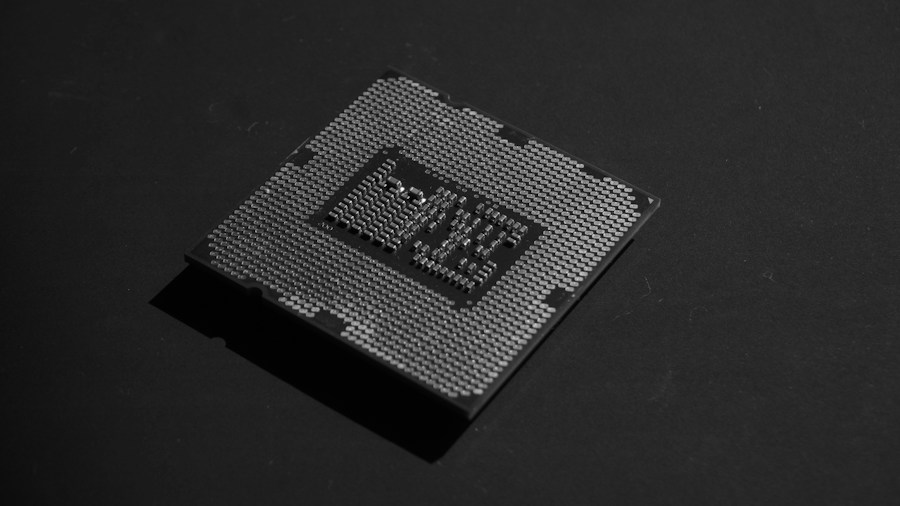
One of the smartest moves you can make is swapping out your CPU while retaining your existing memory setup. If you’re still running an older Ryzen 1000 or 2000 series processor on DDR4, you have excellent upgrade paths available. A Ryzen 5 5600 offers six cores of modern performance for around $159, while the Ryzen 7 5800XT delivers eight cores for approximately $229. Both use the Zen 3 architecture and will deliver substantially better performance than older first-gen Zen chips.
For Intel users with LGA1700 motherboards, 14th-generation Raptor Lake processors support both DDR4 and DDR5 memory. The 14-core Core i5-14600K works well for gaming and multithreaded tasks, while the 20-core 14700K offers even more capability. If budget is tight, purchasing a used CPU from a reputable seller can yield significant savings while maintaining reliability.
Improve Your System’s Cooling Performance
Thermal management hasn’t experienced the same price inflation as other components, making it an ideal upgrade target. Better cooling allows your processor and graphics card to reach higher performance levels and enables overclocking if desired. A budget-friendly 360mm AIO cooler like the Gamdias Aura GL360 V2 costs under $45, while premium options such as the Arctic Freezer III Liquid Pro 360 run around $77.
If you prefer air cooling, excellent budget options exist as well. The Arctic Freezer 36-S delivers reliable performance for under $19, and the Thermalright Peerless Assassin 120 SE provides efficient cooling for high-end processors at approximately $29. You can also upgrade your case fans to improve airflow, and don’t overlook the importance of cleaning dust from your existing filters and hardware. As noted in RAM demand research for modern applications, proper cooling helps your system handle intensive workloads more effectively.
Invest in a Higher Refresh Rate Monitor
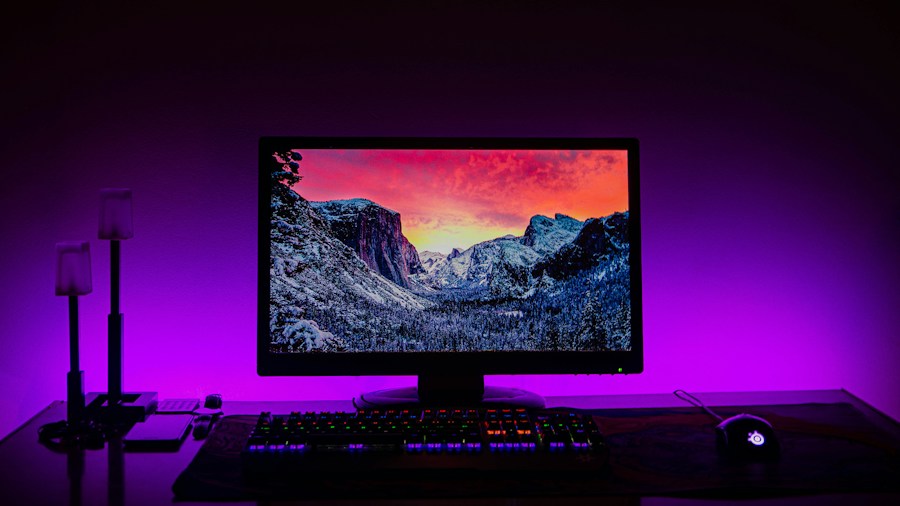
Monitor prices have dropped significantly while offering more features than ever before. A quality 24-inch 240Hz IPS display costs around $108, while a 27-inch 1440p 240Hz monitor requires only an additional $36. If you can stretch your budget, QD-OLED screens now cost approximately $299, delivering near-instantaneous response times, superior contrast, and exceptional blacks.
The difference between a 60Hz monitor and 120Hz or higher becomes immediately apparent when gaming or even navigating your desktop. Higher refresh rates make motion appear smoother while maintaining image sharpness, and this smoothness carries over to competitive gaming and everyday use. You may need to adjust graphics settings or enable frame generation to hit higher frame rates, but the improved experience justifies minor visual compromises.
Upgrade Your Peripherals for Better Interaction
Your mouse, keyboard, and headset represent your primary interface with the computer, yet many builders overlook these components. Quality peripherals enhance your gaming experience and reduce fatigue during extended sessions. The Logitech G305 Lightspeed wireless mouse costs just $30, while the Razer DeathAdder Essential wired option runs $20. For something more advanced, the MSI Versa 300 Wireless 8K mouse offers impressive performance at $60.
Mechanical keyboards deliver satisfying feedback without excessive cost. A Cooler Master CK720 65-percent layout keyboard runs $40, and you can find Logitech G G413 SE full-size models for under $60. When selecting a headset, aim for at least a $50 budget for a wireless option; the HyperX Cloud III at $64 provides excellent value and comfort for extended gaming sessions.
Consider a New PC Case for Better Features
PC cases have become increasingly affordable while incorporating modern features like rear-facing power connectors and vertical GPU mounting. The Antec Flux Wood White starts at $48 and offers solid construction, while the Hyte X50 at $99 provides distinctive aesthetics without compromising build quality or functionality.
Upgrading your case provides more than aesthetic benefits. A well-designed chassis with proper ventilation accommodates larger coolers and additional fans, improving overall cooling capacity. Many newer cases feature front USB-C ports and improved dust filtration. As new peripherals and interfaces emerge, having a modern case with updated connectivity becomes increasingly valuable. The Fractal Design Epoch XL at $130 supports modern backside power motherboards and vertical GPU mounting, making it an excellent long-term investment.
Put These Upgrades in Priority Order
Start with the component that impacts your daily experience most noticeably. If your CPU feels outdated, upgrade there first. If temperatures concern you, focus on cooling. For gaming, a better monitor ranks high. By prioritizing strategically and avoiding the most expensive components, you can meaningfully improve your gaming PC without waiting for memory prices to normalize.






Write Your Review
No reviews yet. Be the first to share your experience!