

Gamers frustrated by sudden freezes and performance dips during gameplay now have access to a powerful solution. A new open-source utility called SCSKiller addresses one of the most persistent technical headaches in modern PC gaming: shader compilation stutter. Developed by BlueHeisenberg and available for free, this tool precompiles shader files before you launch a game, preventing the annoying mid-game stutters that happen when your GPU driver struggles to process graphics instructions on the fly.
What Is Shader Compilation Stutter and Why Does It Matter?
Shader compilation stutter occurs when your GPU driver needs to compile shader code during gameplay rather than beforehand. Think of shaders as specialized graphics programs that determine how light, color, and visual effects render on screen. When a game encounters a shader it hasn’t compiled yet, your GPU momentarily stalls to complete the compilation work. This results in brief but noticeable freezes that disrupt immersion and competitive gameplay alike. Players running high-end systems with the latest graphics cards still encounter this issue, making it a universal problem rather than one limited to budget hardware.
How SCSKiller Works and What It Covers
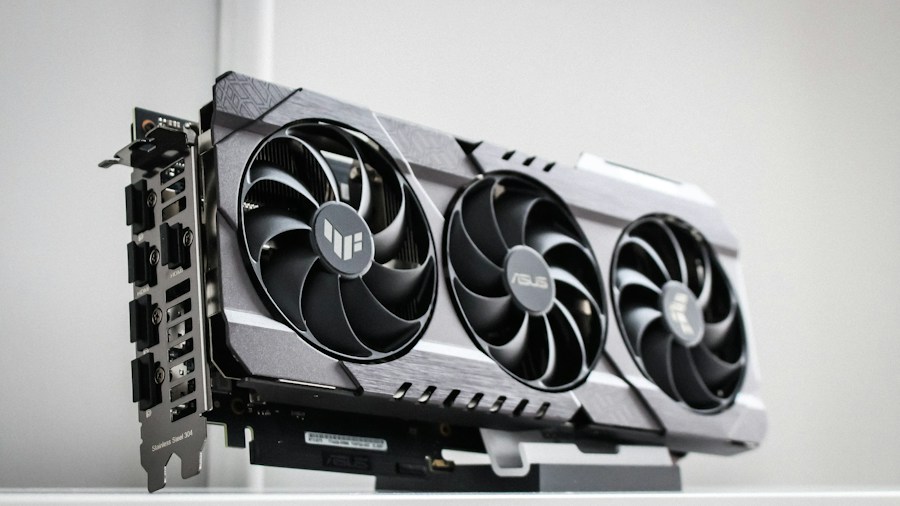
SCSKiller takes a proactive approach by scanning and pre-compiling shader files before gameplay begins. The tool works with modern graphics architectures, supporting both Nvidia and AMD GPUs under DirectX 12, as well as DirectX 11 on Nvidia hardware. Another useful feature lets you record additional shader pipelines during actual gameplay, which the tool then pre-compiles for your next session. This means your experience improves over time as more shaders get cached. The software integrates with major PC gaming platforms including Steam, Epic Games Store, GOG, EA App, Ubisoft Connect, Xbox, and Battle.net, so you don’t need to jump through hoops to use it with your favorite store.
Real World Performance Gains
Developer benchmarks demonstrate meaningful improvements. On an RTX 5090 running Final Fantasy VII Rebirth, cold-cache compilation stalls of 20ms or longer dropped from 19 occurrences to zero after using SCSKiller. Hogwarts Legacy saw stalls plummet from 1,014 down to 87. Star Wars Jedi: Survivor experienced the most dramatic reduction, falling from 9,038 stalls to just 11. These aren’t marginal gains; they represent the difference between smooth, enjoyable gaming and frequent, frustrating interruptions. Testing conducted on AMD Ryzen AI Max+ 395 processors showed similar performance uplift, indicating that gains apply across different CPU and GPU combinations.
For gamers investing in premium hardware like high-end graphics cards, these kinds of optimizations matter. You’re paying for performance, and shader stutter represents a gap between what your hardware can deliver and what you’re actually experiencing in games.
Understanding the Limitations

While SCSKiller addresses shader compilation specifically, it doesn’t solve every stutter problem in gaming. The tool focuses narrowly on shader-related stalls and won’t help with stuttering caused by asset streaming delays, CPU bottlenecks, or other rendering issues. This doesn’t diminish its value; it simply means users should understand what this particular tool does and does not tackle. If your stuttering stems from a different source, GPU optimization tools alone may not provide a complete solution.
Getting Started and What Buyers Should Know
The tool is genuinely free and open-source, available in both installer and portable executable formats from GitHub and the official website. Version 1.2.0 represents the current stable release. For GPU shoppers evaluating new hardware, knowing that utilities like this exist can factor into decisions about which GPUs and driver ecosystems provide the best overall experience. Nvidia and AMD both have competent drivers, but having third-party community tools that optimize performance gives buyers more control over their gaming experience.
The takeaway for shoppers is straightforward: shader stutter is a real problem that affects gamers across the board, but free tools now exist to eliminate it. Whether you own mid-range or high-end graphics processors, running SCSKiller before launching games can deliver noticeable quality-of-life improvements. It’s a low-risk optimization that costs nothing and takes minimal time to set up, making it worth trying if shader-related stutter has plagued your gaming sessions.






Write Your Review
No reviews yet. Be the first to share your experience!