

Geekom Mini PC Malware Discovery Affects Multiple Models
Geekom, a manufacturer of compact computers, has confirmed that malicious software was bundled into network drivers for several of its mini PC lines. The affected models include the A7, A8, AE7, AE8, AX7 Pro, and AX8 Pro. The malware, identified as the Asruex backdoor, was discovered lurking within a LAN driver available on Geekom’s support website. This discovery raises important questions about where consumers should download drivers and how to protect their systems.
How the Malware Got There and What It Could Do
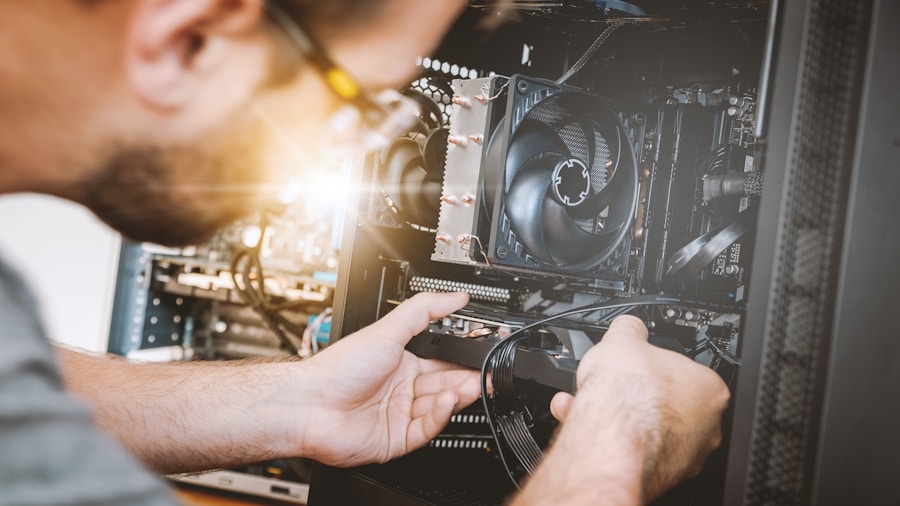
The compromised driver installer contained malware capable of executing administrator-level commands on infected machines. This level of access meant the malicious code could potentially steal personal data, capture keystrokes, extract passwords, and establish remote access connections to command-and-control servers. In other words, hackers could use the infected driver as a backdoor to gain full control of a user’s computer at any time.
Geekom acknowledged that the driver was posted on a legacy support page that had supposedly been replaced and removed from normal navigation. However, the page remained indexed by search engines, making it easy for users searching Google or AI-powered search tools to find and download the compromised file. This is a critical oversight, since most users naturally turn to search engines rather than navigating directly through manufacturer support menus.
What Affected Users Should Do Immediately
If you own one of the affected Geekom mini PC models and have downloaded the LAN driver from the company’s website at any point, security experts recommend performing a full system wipe if possible. At minimum, run an offline Windows Defender scan to detect and remove the malware. This precaution is especially important given the administrative privileges the malware could obtain.
The good news is that these mini PCs did not ship with the malware preinstalled. The vulnerability only existed if users manually downloaded and installed the compromised driver after purchase. This differs from previous incidents where other manufacturers shipped machines with malware already embedded at the factory level.
Broader Lessons for Mini PC Buyers
This incident highlights an important best practice for driver management. Windows Update typically includes the drivers you need for most hardware components. Experts recommend downloading drivers directly from Windows Update whenever possible, and only visiting manufacturer websites if you experience specific hardware issues that require the latest versions. When you do need a driver from a manufacturer, verify you are accessing the current support page and not an outdated one that may still be indexed online.
For those interested in compact computing systems, the 12 best prebuilt gaming PCs under $2000 offers a comprehensive guide to quality options from various manufacturers. Additionally, if you are exploring how modern computing has evolved, recent innovations in compact gaming setups demonstrate the range of possibilities available today.
Industry Context and What This Means for Consumers

This incident is not believed to be intentional on Geekom’s part. Small original equipment manufacturers have no real incentive to deliberately distribute malware, as the reputational and business damage far outweighs any potential benefit. The likely explanation is poor software security practices and inadequate review processes for driver packages before distribution.
Geekom has removed the malicious driver package and issued an apology. The company also attempted to request that reporting outlets retract their coverage, though this request was denied. Independent security researchers verified the malware’s presence using multiple detection tools, confirming the threat was real.
Looking at the 10 best high FPS gaming PCs of 2026, you’ll find options that emphasize both performance and reliability from established vendors. The takeaway for any mini PC buyer is straightforward: be cautious about driver sources, keep your system updated through official channels, and act immediately if you suspect a compromise.
Moving Forward
This situation serves as a reminder that even purchases from legitimate manufacturers require vigilance. Always verify you are downloading software from current, official pages. Enable and maintain antivirus protection. If you own affected hardware, check whether you downloaded this specific driver and take appropriate action. Consumer awareness and careful downloading habits remain your first line of defense against these kinds of supply chain security lapses.










Write Your Review
No reviews yet. Be the first to share your experience!