

A Hidden Manufacturing Flaw Causes Severe Overheating
A major quality control issue has come to light involving protective plastic film that was never removed from thermal pads during GPU manufacturing. A user recently discovered that their graphics card, which had been running for nearly five years, still had factory-applied protective film covering the voltage regulator module (VRM) thermal pads. This oversight led to persistent overheating, performance issues, and system instability that plagued the owner for years without explanation.
The discovery raises important questions about manufacturing standards and how production errors can slip through quality assurance undetected. For GPU buyers, this incident underscores the importance of understanding how thermal management works and what symptoms might indicate underlying cooling problems.
How the Problem Manifested
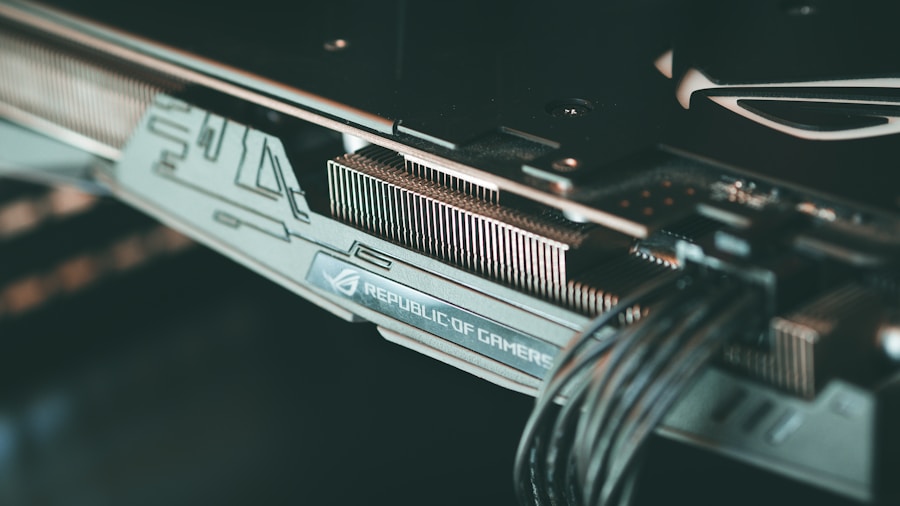
The GPU owner initially experienced high VRM temperatures alongside troubling system behavior. Black screens appeared randomly, especially when waking the computer from sleep mode, during cold boots, or under sustained gaming loads. The owner spent considerable time troubleshooting, updating BIOS firmware, refreshing GPU drivers, and adjusting overclocking settings in monitoring software. Custom fan curves were configured to prevent thermal throttling, yet the cooling fans would still max out unpredictably despite these efforts.
Benchmark testing revealed GPU temperatures climbing to 80°C with hotspot readings reaching 105°C. While these numbers might seem acceptable in isolation, the pattern of thermal behavior suggested something unusual was restricting heat dissipation.
The Investigation and Solution
After exhausting standard troubleshooting steps, the owner decided to disassemble the graphics card for deep cleaning and thermal paste reapplication. Upon opening the device, they found thin protective films still adhered to the VRM thermal pads. These films are typically peeled away at the factory before final assembly, but somehow escaped removal.
Once the films were removed and fresh thermal compound was applied, temperature improvements were dramatic. The GPU core temperature dropped 15°C, and the critical hotspot temperature fell a striking 30°C. Extended stress testing afterward showed zero stability errors and significantly more predictable fan behavior.
Long-Term Damage Concerns
While removing the film solved the immediate thermal crisis, years of excessive heat exposure likely caused permanent damage to components. The VRM area contains MOSFETs and capacitors that may have been degraded by prolonged elevated temperatures. Repeated thermal cycling from the GPU heating and cooling over years can create microscopic cracks in solder joints connecting components to the circuit board, potentially explaining the black screen failures. When you need to protect your investment, consider pairing your GPU with proper cooling solutions like the Thermaltake Stage 450 Case, which is designed to optimize GPU airflow.
The black screen issue did continue occasionally even after the fix, though less frequently than before. The owner suspects heat-induced solder damage is responsible, though this theory would require specialized testing to confirm definitively.
Manufacturer Response and Warranty Implications
When the owner contacted the GPU manufacturer’s support team about the manufacturing defect, they were not offered a replacement. Instead, support suggested testing the card in a different system and noted that because the card was outside the standard warranty period, the owner would need to pursue repairs through the original retailer or pay for professional repair services.
This response highlights a critical gap in how manufacturers handle assembly errors that only surface years later. The protective film was never supposed to be there, representing a clear production failure. Yet because the card was no longer under warranty, the manufacturer declined responsibility despite the defect originating from their factory floor.
What This Means for GPU Buyers
This incident carries several practical lessons for anyone purchasing graphics cards. First, if your GPU exhibits unexplained overheating or thermal throttling despite normal ambient temperatures, consider whether cooling components might be blocked or insulated. Second, research the warranty terms carefully, as coverage periods may not account for manufacturing defects that take years to become problematic. Third, monitor VRM temperatures separately from GPU core temperatures when possible, as advanced monitoring tools can alert you to abnormal thermal behavior before components fail.
The story also emphasizes the value of proactive maintenance. Regular cleaning of cooling components, checking thermal paste condition, and verifying that all protective films were properly removed during initial setup can prevent years of frustration and potential hardware damage.
For consumers, this discovery demonstrates that even expensive components from established manufacturers can suffer from serious quality control oversights. Being familiar with your GPU’s normal operating temperatures, understanding its cooling design, and knowing how to safely perform basic maintenance creates a protective buffer against such manufacturing failures.









Write Your Review
No reviews yet. Be the first to share your experience!