

Latest Nvidia Driver Brings Unexpected Display Issues
Nvidia’s latest GeForce Game Ready driver, version 616.56, has triggered widespread reports of screen flickering and color distortion among users. The company has publicly acknowledged the problem and confirmed it is actively investigating a resolution. While the issue affects a specific subset of games, anyone running this driver version should be aware of potential visual problems on their display.
Which Games Are Affected
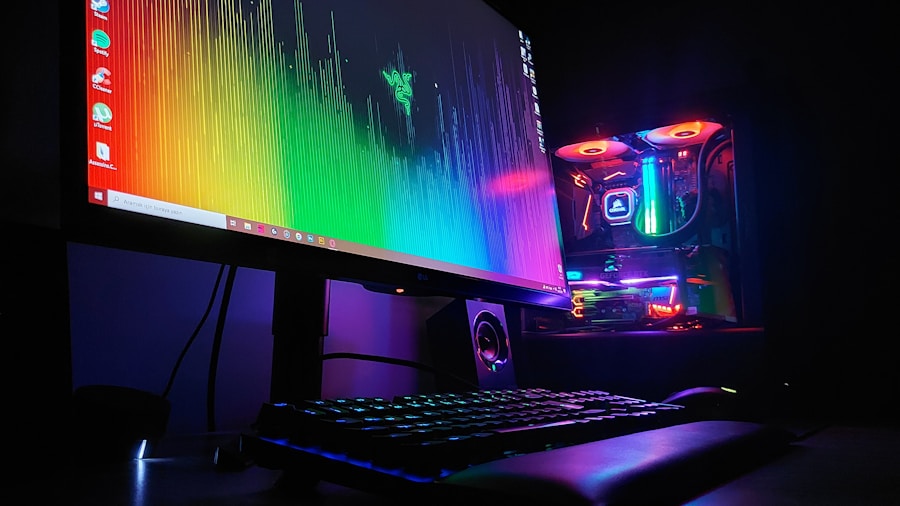
The flickering issue appears to manifest primarily when playing certain recently released or updated titles. Games currently known to trigger the problem include Doom: The Dark Ages, Hell Let Loose: Vietnam, Indiana Jones and the Great Circle, Resonance: A Plague Tale Legacy, and Star Wars Zero Company. If you’re playing other games or working with non-gaming applications, you may not experience any issues at all.
Temporary Fixes Available Right Now
If you’re experiencing flickering with the latest driver and want to continue using version 616.56, Nvidia has identified two workarounds that users report successfully resolve the problem. The first involves adjusting your color settings to 10-bit through the Nvidia app instead of using 8-bit color. The second, and reportedly more reliable option, is enabling Windows Automatic Color Management on your system. Most users find the Windows setting easier to implement, especially if they’re unsure whether their monitor supports 10-bit color output.
For those concerned about staying current with Nvidia’s latest features, rolling back to driver version 610.88 is a straightforward alternative. You can access previous driver versions directly through the Drivers tab in the Nvidia app or download them manually from Nvidia’s website. This approach eliminates the flickering problem entirely while you wait for a permanent fix.
When the Permanent Fix Arrives
Nvidia has committed to releasing a full resolution through a future Game Ready driver update. The company initially planned to include the fix in its September 3rd driver release, which coincides with the broader GPU market investment wave affecting hardware availability, but that date won’t include the flickering patch. The development team finalized the code for that release too early to incorporate this fix. Instead, expect the corrected driver to arrive on September 10th at the earliest.
Important Considerations for Ray Tracing Users
Some users hesitate to roll back their drivers due to concern about losing access to newer features. If you’re worried about losing Nvidia DLSS 4.5 Ray Reconstruction, you can roll back safely without consequence. As long as your driver version is at least 580.88 or newer, you’ll retain access to the latest ray tracing denoiser technology, even if you drop back to 610.88.
Nvidia’s commitment to resolving this issue demonstrates the company’s responsiveness to user feedback, though the timeline for a permanent solution means some users will need to take action in the short term. Those affected by screen flickering should evaluate whether the workarounds suit their setup or whether rolling back makes more sense for their specific situation. Given the current state of GPU pricing and availability, ensuring your hardware performs reliably is essential for maximizing your investment.
What This Means for Buyers
If you’re considering updating to the latest Nvidia driver, understand that version 616.56 carries known risks for specific games. Monitor recent user reports before updating, particularly if you play any of the affected titles. For most users running other games or applications, the risk is minimal, but staying informed about driver stability helps you make the right choice for your system. Check community forums and official Nvidia feedback threads before updating to avoid unexpected display problems that could disrupt your gaming or work session. The temporary workarounds and upcoming permanent fix mean this issue should resolve within weeks, but awareness now prevents frustration later.



Write Your Review
No reviews yet. Be the first to share your experience!