

The CPU Inside Your Laptop Matters More Than You Think
If you work from home or split your time between multiple locations, you already know that your laptop is your lifeline. But what’s actually powering your productivity? The CPU. Whether you’re handling email, editing documents, or running creative software alongside video calls, your processor is doing the heavy lifting behind the scenes. Understanding what CPU you need can mean the difference between smooth, frustration-free work and constant slowdowns.
After nearly two decades of remote work across coffee shops, home offices, and makeshift workspaces, one truth has become crystal clear: the processor in your machine directly impacts your ability to stay productive. Most remote workers don’t need cutting-edge gaming CPUs, but they do need reliable, capable processors that can handle multitasking without breaking a sweat. A mid-range Intel Core i7 with solid RAM and storage can deliver years of dependable performance for everyday professional tasks, and yes, even casual gaming when the workday ends.
What CPU Specs Actually Matter for Remote Work
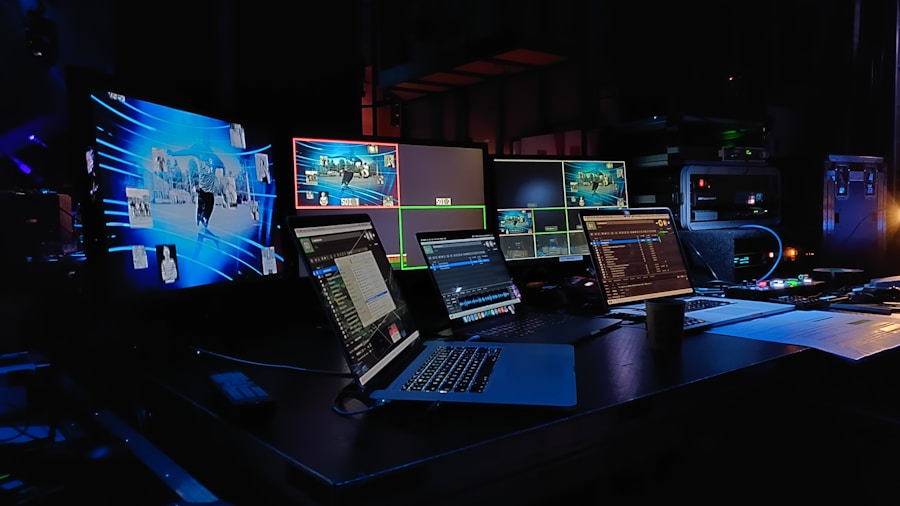
You don’t have to chase the latest processor generation to get your job done effectively. The real key is understanding your workload. If you’re primarily using web browsers, email clients, and document editors, even a more modest CPU will serve you well. However, if you’re juggling multiple applications simultaneously, working with large files, or creating content, you’ll benefit from a processor with more cores and threads.
The evolution of processor technology means that even older CPUs remain capable for years. A quad-core or six-core processor paired with adequate RAM handles most remote work scenarios without complaint. Graphics capabilities also matter if you occasionally want to play games or handle video work, though this isn’t essential for pure productivity tasks.
Building Your Remote Work Setup Around Your CPU
Where your CPU becomes truly valuable is when paired with complementary gear. When you’re working remotely from variable locations, having the right accessories maximizes what your processor can accomplish. A portable monitor, for instance, dramatically improves productivity because your CPU can distribute tasks across more screen real estate. streaming software and multitasking can significantly tax your processor, so understanding these limitations helps you work smarter.
Power management is equally critical. A quality USB-C hub expands your laptop’s connectivity options, letting your CPU allocate resources to work rather than fighting limited port availability. When your machine has proper cooling and isn’t thermally throttled by poor ventilation or inadequate power delivery, your CPU maintains consistent performance throughout the day.
CPU Considerations When Shopping for Remote Work Laptops
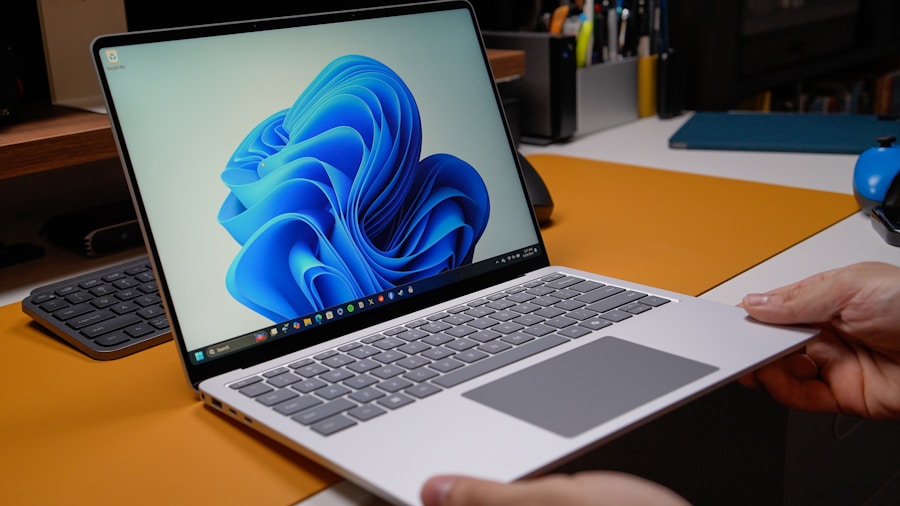
If you’re replacing an aging machine, prioritize processor generation and core count over brand prestige. Modern CPUs from both Intel and AMD offer excellent value at the mid-range tier. Look for machines with at least eight cores, 16GB of RAM, and adequate storage. These specs create a stable platform that won’t require upgrade thinking for several years.
Future-proofing matters when you’re committing to remote work. Emerging technologies like advanced CPU architectures with dual chiplets are reshaping computing efficiency, but they’re not essential purchases today. What matters is getting a reliable CPU that handles your actual workload without constant strain.
Consider also that newer processors generally consume less power, which directly impacts battery life during mobile work sessions. An efficient CPU means you can work longer before needing to recharge, a genuine productivity win when you’re at a coffee shop or working between multiple locations.
Real World CPU Performance for Remote Workers
Most remote professionals don’t need to stress over CPU benchmarks. What matters is whether your processor can handle your actual applications without stuttering. Testing by running your typical workflow on any laptop you’re considering will reveal whether the CPU is adequate. Open your standard applications simultaneously and see how the system responds.
If you occasionally need additional processing power for special projects, cloud-based solutions can supplement your local CPU. This approach lets you maintain a modestly-powered laptop for everyday work while accessing more power when needed.
The reality is that a capable mid-range CPU paired with solid supporting hardware and smart accessory choices creates the foundation for years of productive remote work. Focus on reliability and sufficient power for your actual tasks rather than chasing the latest technology. Your CPU isn’t glamorous, but it’s absolutely fundamental to getting your work done efficiently, whether you’re at home or on the road.






Write Your Review
No reviews yet. Be the first to share your experience!