

Excellent Typing Feel Meets Real-World Limitations
The MCHOSE K99 V2 has surfaced as an intriguing choice in the competitive sub-100-dollar keyboard market, offering genuine strengths alongside some notable compromises that shoppers should weigh carefully. At its core, this near-full-size mechanical keyboard delivers a satisfying typing experience that appeals to both everyday writers and casual gamers, but not every user will find it the right fit.
What Makes It Excel
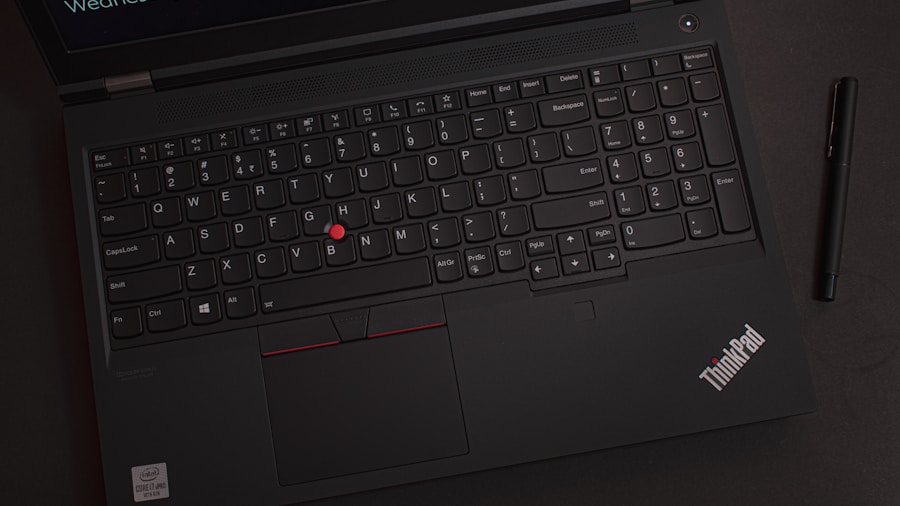
The K99 V2 ships with pre-lubed linear switches that feel responsive and comfortable throughout a full workday. The keyboard uses a gasket-mount design combined with six layers of sound-dampening foam, resulting in a creamy-thocky acoustic profile that many users find genuinely enjoyable. If you spend hours typing daily, this keyboard delivers a tactile experience that doesn’t leave your fingers fatigued. The design philosophy prioritizes comfort without sacrificing responsiveness.
Build quality shines through in the double-shot PBT keycaps, which resist wear and discoloration far better than cheaper ABS alternatives. The keyboard arrives in multiple colorway options including Navy Blue, Emerald Green, Glacier Gradient, and Sky Blue, appealing to users who want their workspace to reflect personal style. An anodized mirror plate with RGB lighting runs along the underside, adding visual flair beyond standard per-key RGB customization.
Performance metrics confirm the typing experience. Independent testing shows the keyboard delivers fast, accurate input speeds with minimal effort required to register keystrokes. The switch pre-travel distance of 1.3mm means you don’t need to bottoming out keys to type efficiently. For casual gaming, the 1,000Hz polling rate proves more than adequate, with no noticeable input lag during gameplay. The keyboard also features N-key rollover, ensuring every simultaneous keypress registers correctly.
The companion software, M HUB Driver, sets a benchmark for user-friendliness on Windows machines. The interface remains clean and clutter-free, avoiding the intrusive advertising and pop-ups that plague some competing keyboard applications. Users can easily customize RGB effects, remap keys, record macros, and adjust polling rates without navigating confusing menus.
Pricing stands out as genuinely competitive at ninety-nine dollars when purchased directly, positioning the K99 V2 alongside other top-rated mechanical keyboards in the sub-100 range. This price point makes it accessible to budget-conscious consumers without requiring major sacrifices.
Where Compromises Matter
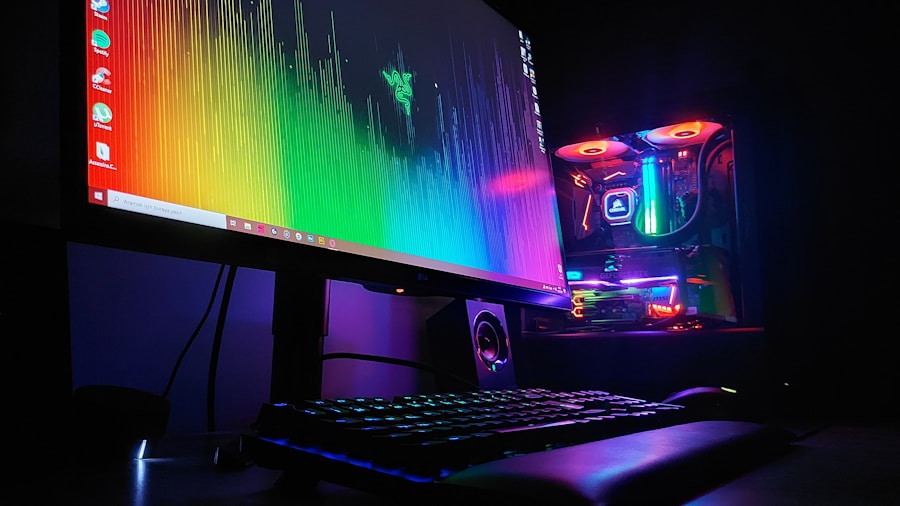
Several limitations emerge upon closer inspection. The plastic chassis exhibits noticeable flex when gripped firmly or twisted, a common issue in keyboards at this price point but still worth noting. Users prioritizing solid, rigid construction may find this problematic, though it doesn’t impact typing performance directly. Interestingly, competing options at the same price tier offer more rigid frames if stability becomes your priority.
Switch selection presents another constraint. The K99 V2 ships exclusively with linear switch options at checkout: either Hyacinth or Icy Creamsicle variants. Typists and gamers who prefer tactile or clicky feedback must purchase compatible switches separately, adding unexpected expense. While the keyboard does support hot-swapping of 3- and 5-pin south-facing switches, the limited stock variety limits the out-of-box appeal for users seeking diverse switch types.
The most frustrating limitation affects Mac users. While the keyboard itself works on macOS, the proprietary web-based customization software M HUB Web fails to function reliably on Apple devices. MacBook users encounter disabled keyboard notifications and non-responsive interfaces across Chrome and Safari browsers. This essentially locks Mac owners out of full customization unless they access a Windows machine separately. Other keyboard manufacturers have solved this cross-platform compatibility challenge, making MCHOSE’s approach particularly disappointing.
The Verdict for Shoppers
The MCHOSE K99 V2 warrants serious consideration if you prioritize typing comfort and affordability above all else. Windows users gain immediate access to full customization, excellent acoustics, and responsive linear switches. The colorful design adds personality to any desk setup.
However, Mac users should approach cautiously unless willing to borrow a Windows machine for customization. Those seeking tactile or clicky switches will need budget extra funds for replacement switches. Anyone wanting a rigid, flex-free chassis should explore alternatives.
For the vast majority of writers, remote workers, and casual gamers operating on Windows, this keyboard delivers genuine value at its asking price. The typing experience alone justifies the purchase, and the bonus gaming capability provides added versatility. Just ensure you understand its limitations before committing your money.







Write Your Review
No reviews yet. Be the first to share your experience!